
One Shopify order should represent one logical purchase in your advertising measurement. If Meta receives two unrelated Purchase events for that order, reported performance can become difficult to trust. Before changing campaigns, investigate whether the problem is duplicate collection, inconsistent event identity, or simply a comparison between reports with different attribution rules.
The search phrase Shopify Meta pixel duplicate purchase events covers several distinct failures. A manual browser pixel may coexist with the Facebook & Instagram integration. A second app may send another server event. A custom trigger may fire whenever a confirmation page reloads. Each requires a specific repair.
This guide walks through an evidence-based diagnosis. The objective is a coordinated measurement setup with clear ownership, not the largest possible number of event senders. Preserve a record of the current configuration before changing it so every test has an understandable baseline.
Distinguish event duplication from attribution differences
Start with the actual symptom. Are two Purchase observations visible for one controlled order? Does Events Manager show a deduplication warning? Or does Ads Manager report more attributed purchases than the Shopify report you are comparing?
Those observations are not interchangeable. Attribution windows, report time zones, event processing, and the scope of included orders can affect totals. A storewide numerical difference alone does not establish that a pixel fired twice.
Choose a small set of identifiable test orders and trace their events. Record checkout time, order identity, value, currency, event source, and destination dataset. Avoid placing customer names or email addresses in shared debugging notes. You need transaction evidence, not a copy of the customer's personal record.
Inventory every system that can send Meta events
Review the Facebook & Instagram sales channel, Shopify Customer events, installed tracking apps, Google Tag Manager, theme code, and any custom server integration. Note which system sends browser events, server events, or both, and which dataset each targets.
Shopify's Meta pixel guidance explicitly warns that leftover manually added pixel code can produce duplicate or incorrect reporting. That makes legacy installations a useful place to check, especially after an agency handover or tracking-app trial.
An installed app is not proof that it is actively sending purchases. Inspect its configuration and observed behaviour before removing it. Conversely, uninstalling an app may not answer whether custom code was added elsewhere during its setup. The inventory should identify active senders, not simply count app names.
Understand why two observations can be intentional
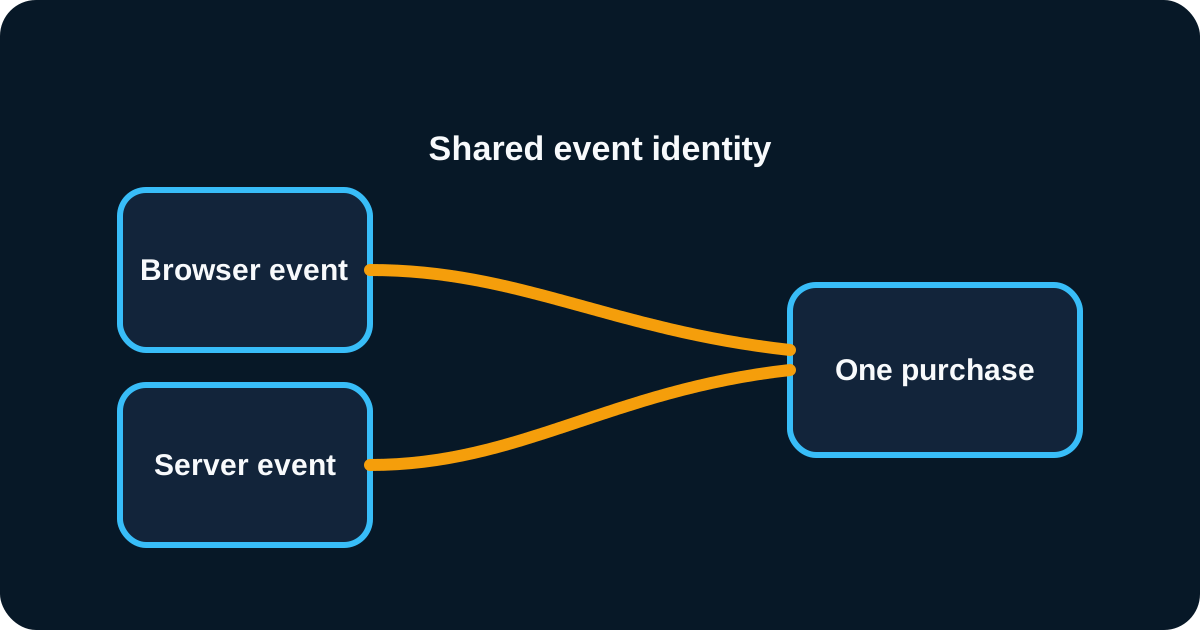
A browser event and a server event can describe the same purchase. In a coordinated implementation, they use consistent event identity so the receiving platform can recognize the overlap. Seeing both sources in diagnostic tools is therefore not automatically evidence of inflated conversion counts.
For custom implementations, the event name and event identifier must be coordinated across the relevant senders. A fresh random identifier generated independently on each side does not establish that relationship. Likewise, sharing a value or timestamp is not a substitute for deliberate identity management.
Do not attempt to rewrite identifiers inside a managed partner integration unless its documented configuration supports that change. If a partner-managed browser and server pair appears inconsistent, isolate other senders first, capture evidence, and escalate to the integration provider with reproducible examples.
Confirm the connected dataset and sharing configuration
Check that the Shopify sales channel is connected to the intended Meta business assets and dataset. An account with several old pixels can make it easy to inspect one destination while the store sends events to another.
Shopify describes Standard, Enhanced, and Maximum sharing settings in its Facebook data-sharing documentation. Enhanced and Maximum include Conversions API alongside browser tracking. Review the actual setting before assuming a separate server-side app is necessary.
Choose data sharing according to the merchant's approved privacy configuration and requirements. Increasing the setting is not a generic cure for duplication. Changing sharing, replacing an app, and editing custom code simultaneously also makes diagnosis harder because the result cannot be attributed to one intervention.
Reproduce a purchase with a controlled test
Use Meta's available event-testing tools alongside the store's integration diagnostics. Perform an authorized purchase through the journey that appears affected. Note whether the event arrives from the browser, server, or both, and inspect the identifiers exposed by those tools.
Repeat the test with a new order. Separate orders should have distinct purchase identities. Revisit the first order's confirmation page to check whether a custom implementation treats a page reload as a brand-new commercial event.
A browser pixel helper sees browser activity; it does not independently verify server deliveries. If it shows one event, another server sender may still exist. If it shows two browser events, inspect their initiation paths before assuming Conversions API is responsible for the duplication.
Find legacy scripts and broad triggers
Search custom theme and tag-manager code for the relevant Meta initialization and Purchase calls. Review any old checkout tracking configuration that remains applicable to the store. Do not paste legacy instructions into the current checkout environment simply because an old tutorial references a familiar field.
Shopify's pixel migration guidance explains why old tracking code needs review during migration and identifies leftover implementations as a potential source of discrepancies. Use the store's current configuration to determine which remnants can still execute.
Check for triggers based only on a URL containing a confirmation phrase or on a generic button click. Those triggers can fire without a completed purchase or repeat on revisits. Purchase measurement should use the appropriate completed transaction event and a stable order identity.
Assign one owner for each purchase event path
Decide which integration is responsible for the normal browser and server purchase flow. A supported partner integration may cover the requirement. A custom implementation may be justified by additional systems, but it should have a documented event contract and maintenance owner.
Disable the confirmed redundant sender through the appropriate configuration, preserving a recovery path. Avoid removing unrelated pageview or product-view measurement unless the evidence shows it is also duplicated. The smallest targeted change makes verification easier.
If replacing an entire integration, coordinate the cutover. Define when the old sender stops and the new one begins. Keep both active only when the design explicitly handles their overlap; “leave everything running for safety” is not a measurement strategy.
Validate identity, value, and currency together
Correct deduplication does not guarantee correct revenue. Compare the purchase value and currency between senders and against the intended reporting definition. A browser event reporting a subtotal and a server event reporting a total can create confusing results even if their identity matches.
Test discounts, shipping, taxes, multiple currencies, and orders with more than one product. Record the expected calculation before examining the event so the test does not simply accept whichever value arrives first.
Shopify's Meta sharing documentation describes how its integration represents order value. A custom implementation should state its own contract explicitly and align related reporting accordingly. Do not change value calculations solely to force a superficial match with a report using a different revenue definition.
Respect consent across browser and server tracking
Test accepted and declined privacy choices where the store supports them. A server connection should follow the approved data-sharing policy rather than acting as a workaround for a customer's refusal. Verify that changes to the consent tool reach each integration consistently.
Include regional storefronts and relevant devices in the test matrix. A discrepancy confined to one market may come from a different privacy configuration or integration path. Treat that as a distinct scenario instead of applying a global change without evidence.
Shopify manages app and custom pixels in Customer events and explains the distinction in its pixels documentation. Maintain a record of which app owns each connection so future privacy or theme updates can be tested against the correct components.
Confirm the repair before interpreting campaign changes
After the targeted fix, repeat the same controlled test. Verify new purchases, order identities, event sources, and values. Review the relevant deduplication diagnostics once processing has caught up. Do not invent a universal “healthy percentage” that every store must meet regardless of its coverage and consent mix.
Annotate the release time in your reporting notes. A lower reported purchase count after removing duplication does not necessarily mean real sales fell. Compare Shopify's commercial orders and the corrected event stream before changing campaign budgets in response.
Keep the original evidence and the final test results together. If the issue returns after an app installation or theme release, the team can compare the new configuration against a known working baseline. Our Facebook ads introduction explains why dependable measurement matters before optimizing creative and targeting.
Create a lightweight measurement change log
Do not let tracking fixes live only in memory. Add a short change log entry with the date, owner, systems touched, test order identifiers, and the expected reporting effect. Include the exact sender you disabled or reconfigured, plus the reason it was considered redundant.
This record is especially useful when a paid media team notices a reporting shift days later. They can see whether a lower conversion count reflects cleaner measurement, a campaign issue, or a separate checkout problem. A clear note prevents the team from reversing a correct fix just because the corrected number is less flattering.
Monitor changes that commonly reintroduce overlap
Add a tracking review to agency handovers, new app trials, consent migrations, and checkout changes. Require the implementation note to identify which events a new tool sends and whether it replaces an existing sender.
If GA4 also looks inconsistent, investigate it separately using the missing purchases guide. The same installation history can affect both systems, but their event contracts and reporting behaviour are different.
An AreoTech Shopify audit can map the active tracking paths and produce a concrete repair plan. Useful inputs include the current app list, recent changes, anonymized test orders, and access to the relevant diagnostics. That evidence is more actionable than a screenshot showing two totals that do not match.
Frequently asked questions
Are browser and server Purchase events always duplicates?
No. A coordinated browser and server implementation can send two observations of the same purchase and deduplicate them. Investigate whether the events represent one order with consistent identity before removing a sender. Diagnostic source counts are not necessarily the same as counted conversions.
What commonly causes duplicate Shopify Meta purchases?
Common causes include overlapping partner integrations, leftover manual pixel code, another tracking app, repeated checkout triggers, or inconsistent event identifiers between browser and server senders. Determine which path actually emits the extra event before changing the setup.
Will removing duplicate tracking rewrite historical reports?
Do not assume it will. Record the date and scope of the repair, verify new purchases, and annotate historical reporting so comparisons account for the tracking change. Present past campaign results with that context instead of silently treating the entire reporting period as equally reliable.