Facebook ads remain one of the most effective customer acquisition channels for Shopify stores, but the platform's complexity means most beginners burn through budget without seeing returns. The difference between profitable campaigns and wasted spend comes down to structure, patience, and a willingness to let data drive decisions. This guide walks through the fundamentals so you can start with confidence and avoid the expensive mistakes that catch most newcomers.
The Facebook Pixel is non-negotiable—it's the foundation of everything else. Install it on your Shopify store before running a single ad. The Pixel tracks page views, add-to-cart events, purchases, and other actions that visitors take on your site. This data powers three critical functions: it tells you which ads are driving actual revenue (not just clicks), it enables conversion-optimized bidding so Facebook shows your ads to people most likely to buy, and it builds custom audiences for retargeting. Shopify makes Pixel installation straightforward: paste your Pixel ID into the Facebook Sales Channel settings, and Shopify handles the rest. Verify installation using Facebook's Pixel Helper Chrome extension before proceeding.
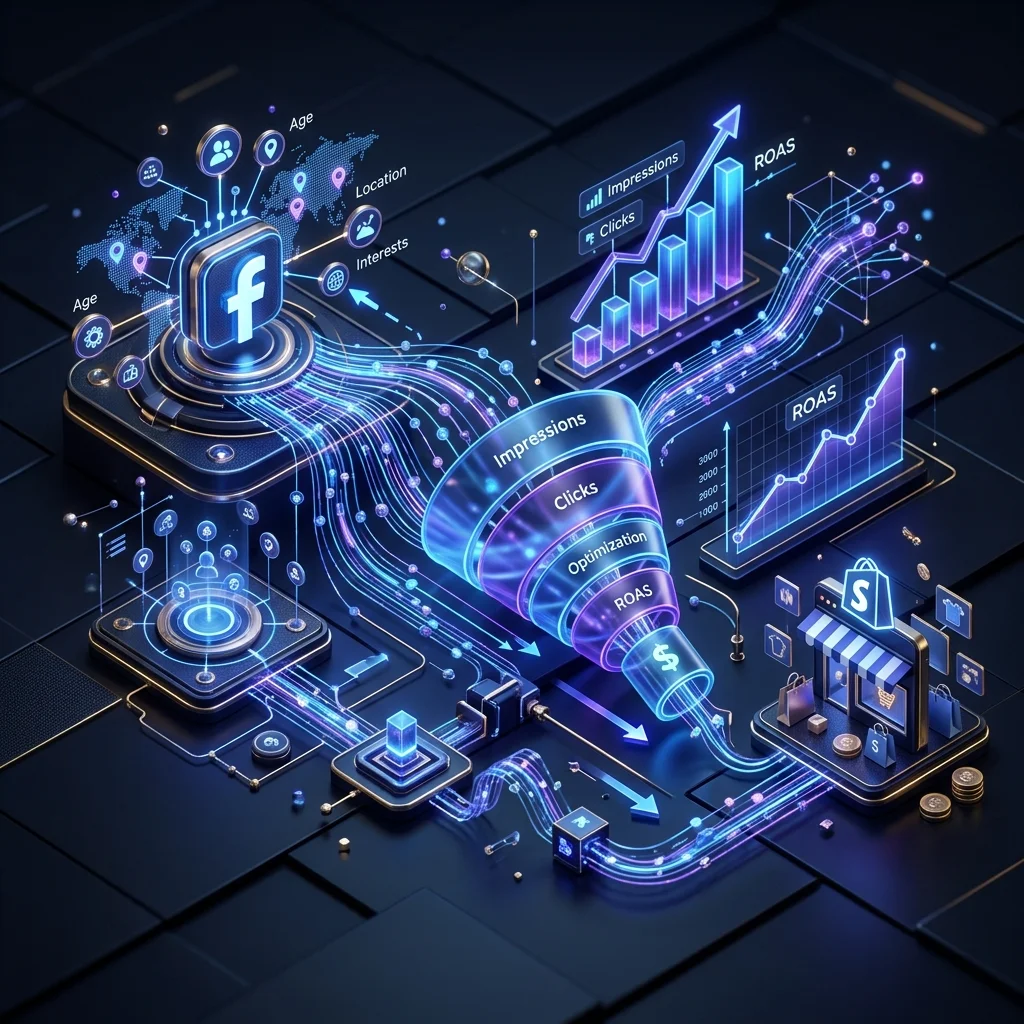
Campaign structure follows a hierarchy: Campaign (objective) → Ad Set (audience, placement, budget) → Ad (creative, copy). For Shopify stores, always choose the "Sales" or "Conversions" objective—never "Traffic." Traffic campaigns optimize for clicks, which means Facebook will find people who click often but rarely buy. Conversions campaigns optimize for purchases, so Facebook surfaces your ads to people with a demonstrated history of buying through Facebook ads. Within your ad set, start with a daily budget of at least $20-30 per ad set to give Facebook's algorithm enough data to optimize effectively. Budgets below this threshold produce unreliable results because the algorithm can't gather sufficient signal.
Audience targeting is where beginners tend to overcomplicate things. The temptation is to stack dozens of interest targeting options, creating an audience that looks precise on paper but is too narrow for Facebook's algorithm to work with. Instead, start broad—target a single interest like your product category with age and location as your only filters—and let Facebook's algorithm find buyers within that audience. Create 3-5 ad sets with different broad interests, let them run for 3-5 days without changes, and then analyze which audiences convert. Layer in lookalike audiences based on your purchase data once you have at least 100 purchases. Lookalike audiences built from actual buyers consistently outperform interest-based targeting once you have enough seed data.
Creative best practices can make or break your campaigns. Facebook users scroll fast—your ad has less than two seconds to stop them. Lead with movement (video outperforms static images by 20-30% on average), open with a problem your product solves, and show the product in use rather than in isolation. Keep video under 30 seconds and front-load the most compelling content in the first three seconds. For image ads, use high-contrast visuals with minimal text overlay—Facebook penalizes ads where text covers more than 20% of the image. Always run at least 3-4 creative variations per ad set so you can identify which resonates with your audience.
Measuring return on ad spend (ROAS) is the ultimate metric. ROAS equals revenue generated divided by ad spend—a ROAS of 3 means you earned $3 for every $1 spent. Most Shopify stores need a ROAS of 2-4 to be profitable after accounting for product costs and overhead. Track ROAS at the ad set level, not the campaign level, because profitable and unprofitable audiences often sit within the same campaign. The most common beginner mistake is killing campaigns too early—Facebook's algorithm needs 3-5 days and roughly 50 conversions per ad set to exit the learning phase and deliver stable results. Resist the urge to make changes during this period unless a campaign is clearly burning budget with zero conversions.
For expert-managed Facebook and Instagram campaigns, AreoTech's Facebook & Social Ads service provides full-funnel strategy, creative testing, and ROAS optimization. Need help aligning your paid social with your broader brand? Our Social Media Marketing service builds the organic foundation that makes paid campaigns perform better.